
Server & administration
Backups, updates, archive, trash, history and devices.
Backup
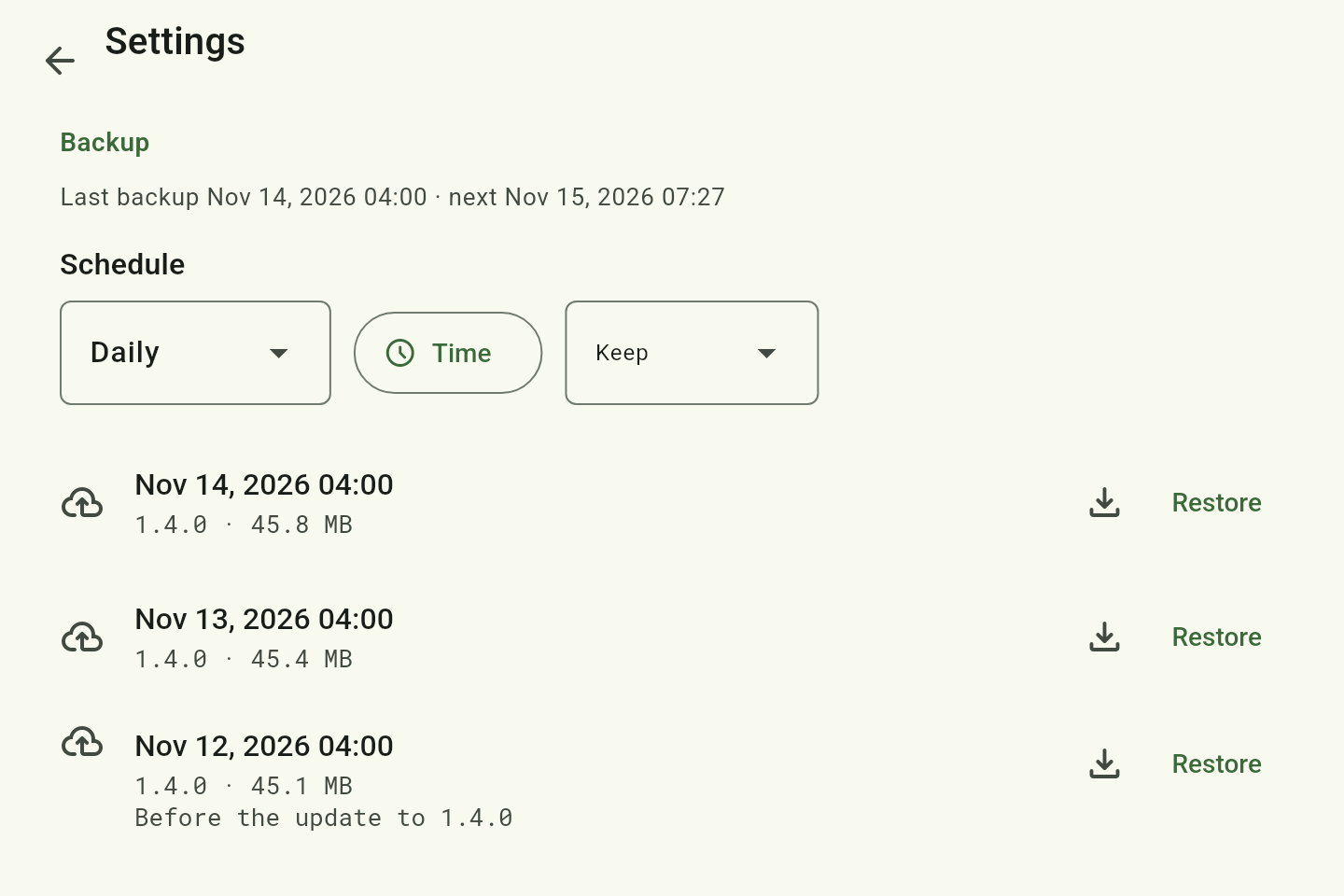
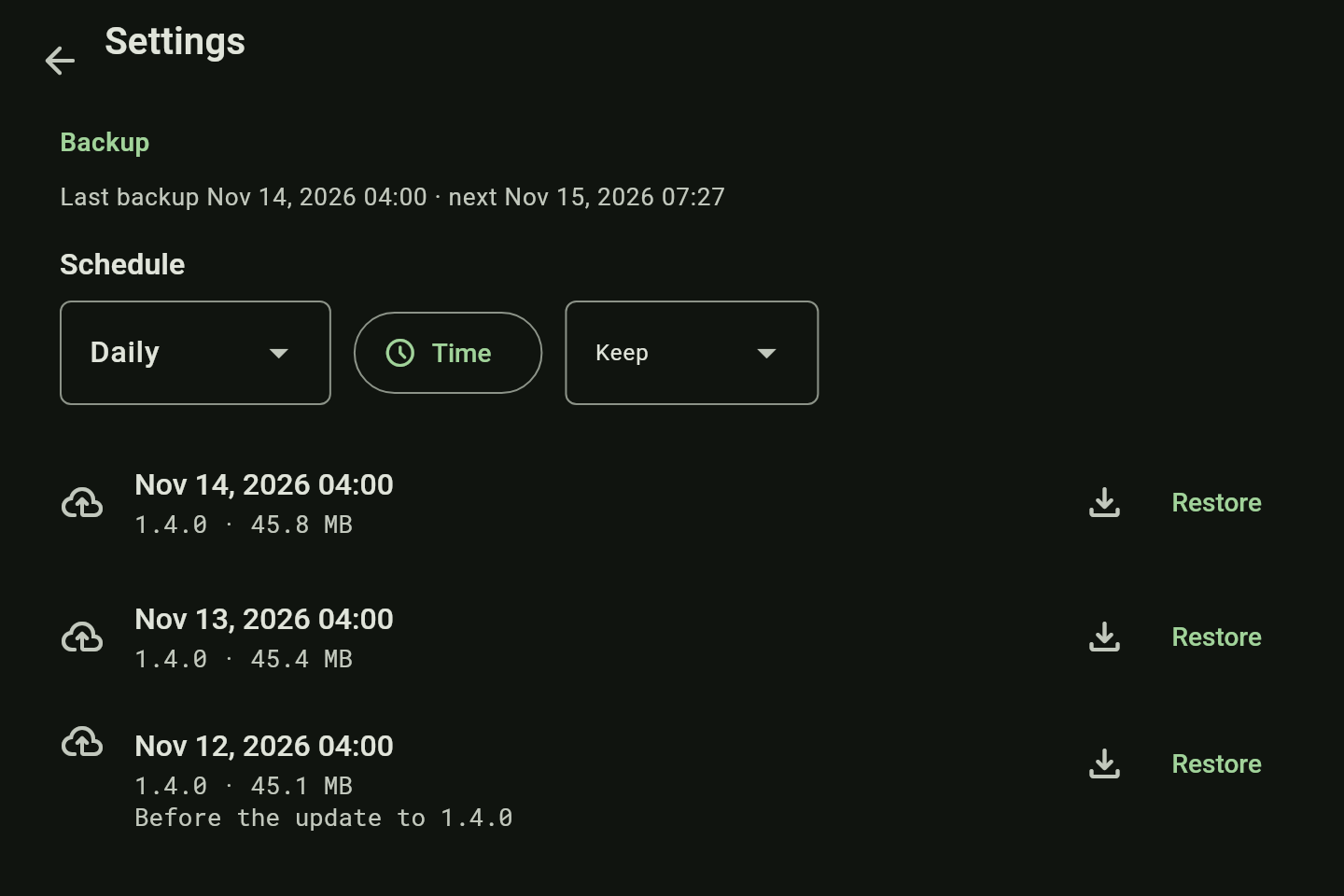
One encrypted archive of the database and the images, on a schedule you set, before every update and on demand. Download it, restore it in the settings — on this version or a newer one — or set a new server up from it.
Updates
Change the version in .env, docker compose up -d. Going back works the same way, with the old version. Apps and server of different versions work together — not every device has to update at once.
Archive
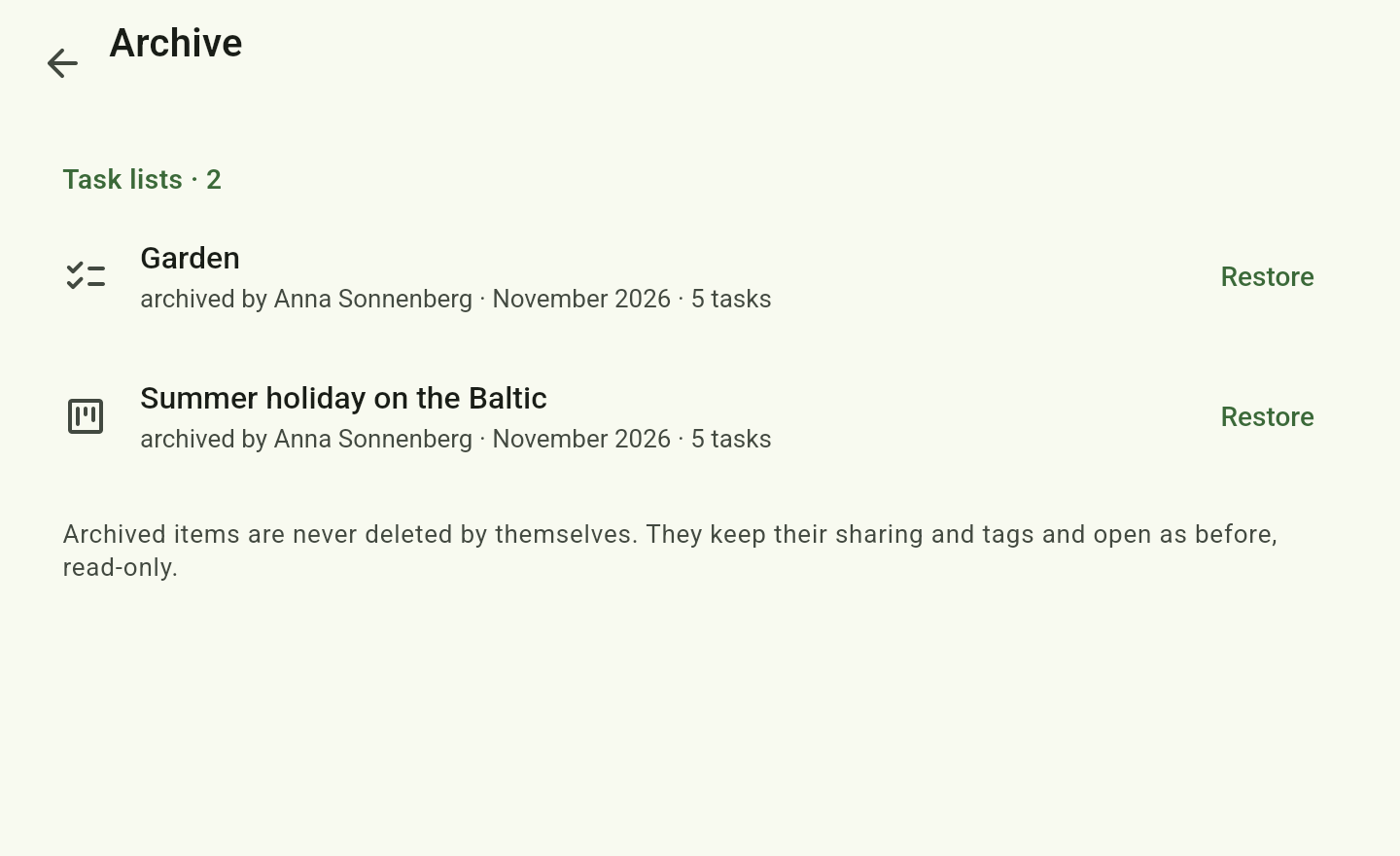
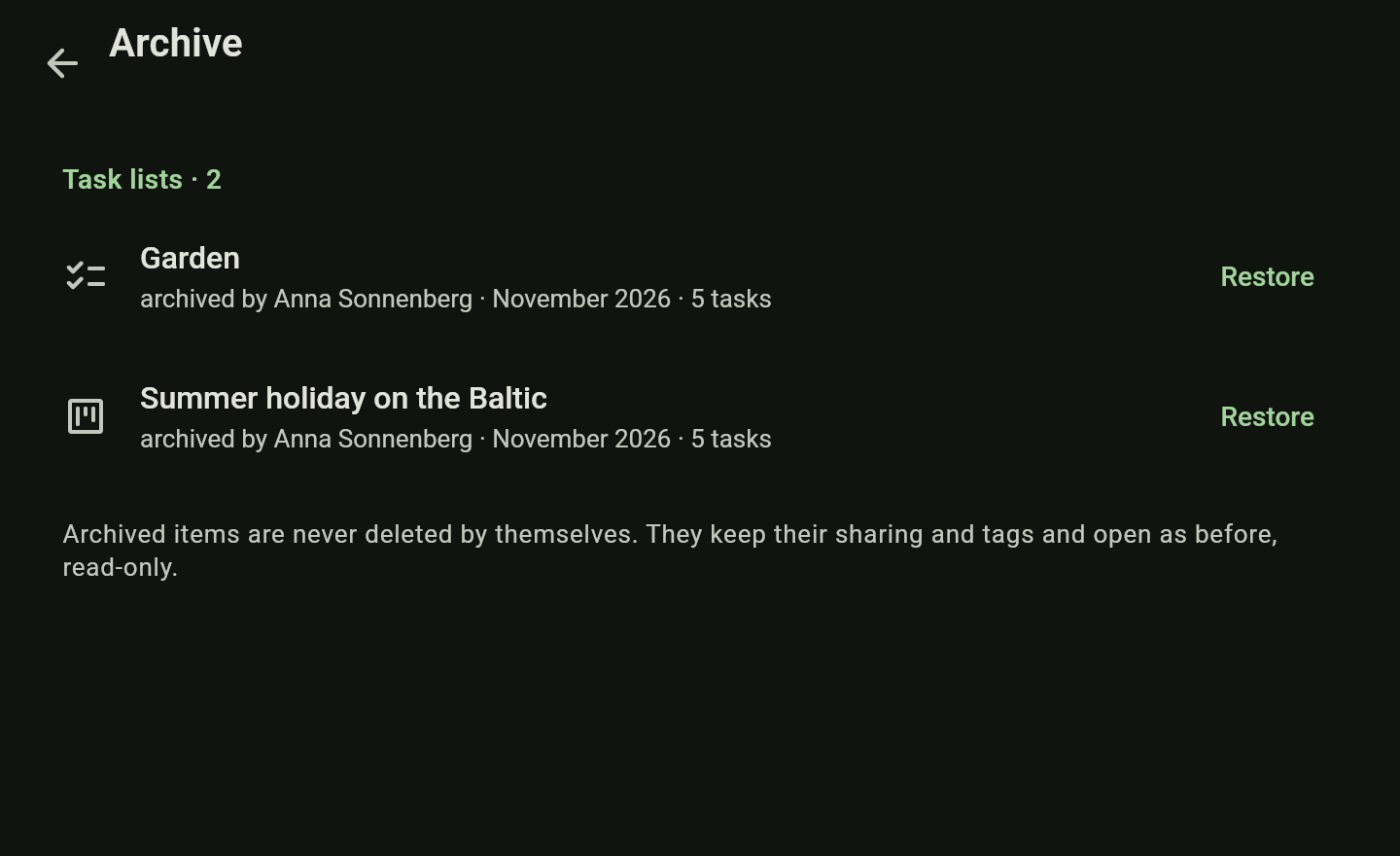
Finished pages and lists go to the archive: read-only and restorable at any time. Archived items are not deleted automatically.
Trash
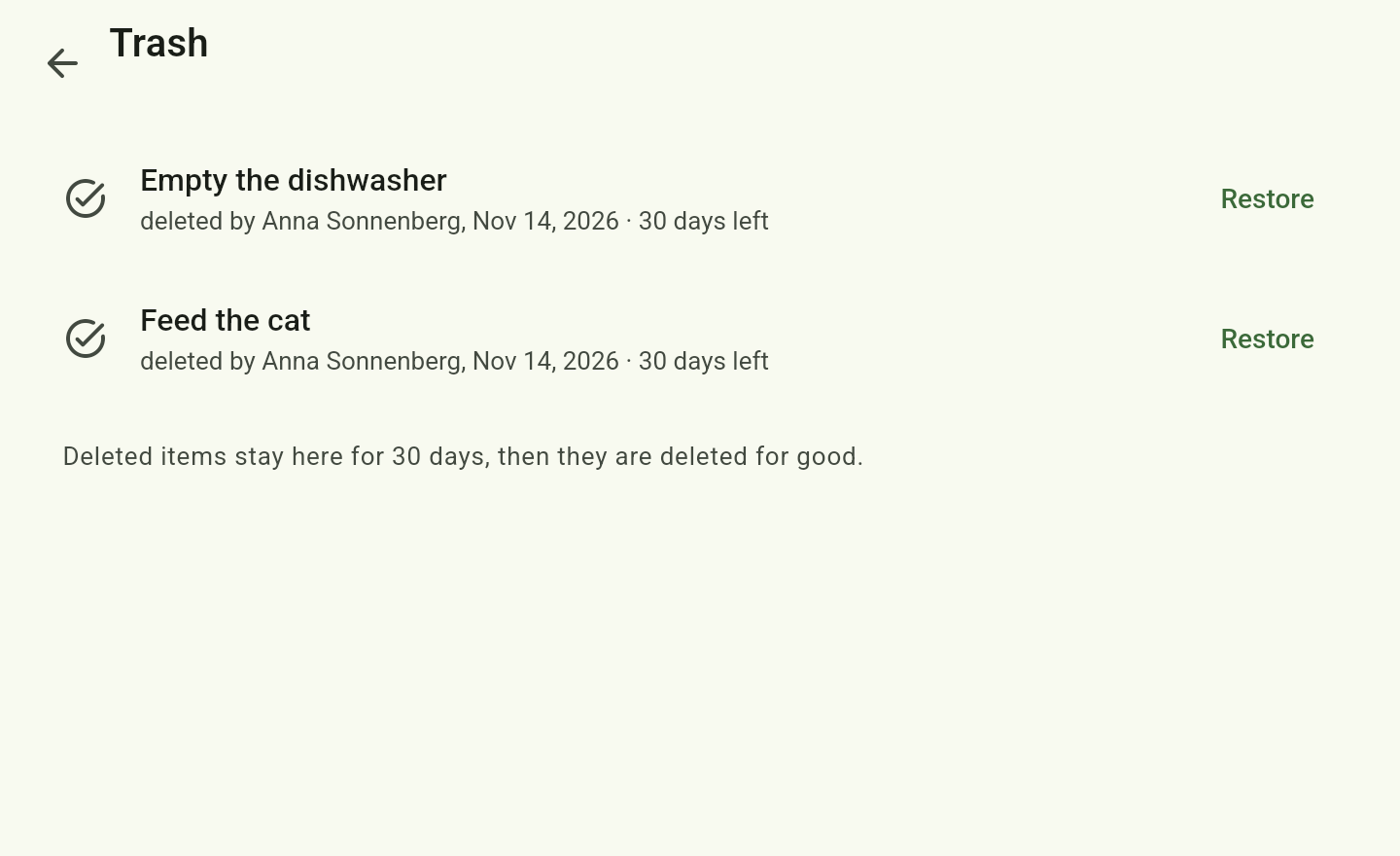
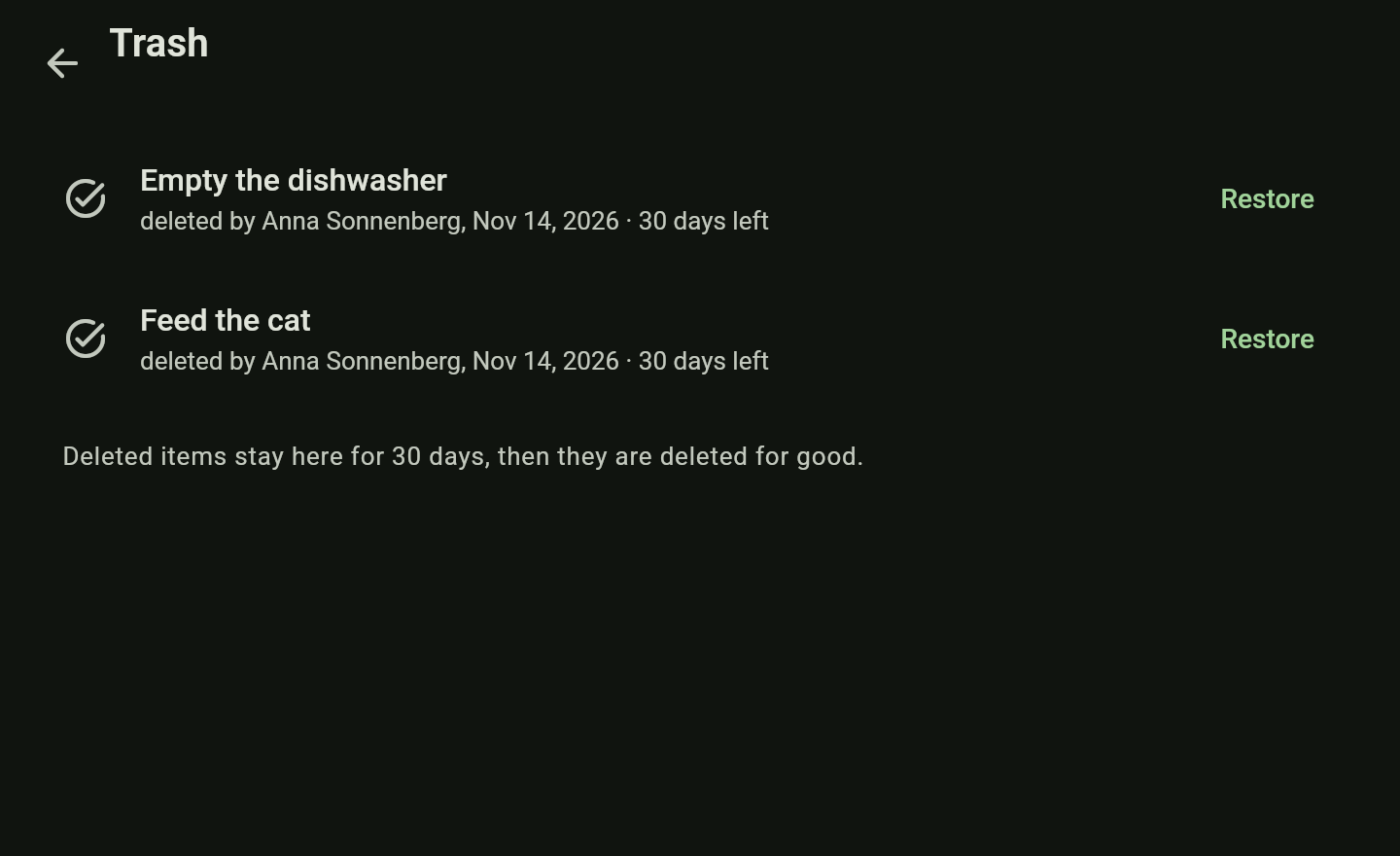
Deleted items from every area, restorable along with their sharing. Kept 30 days by default.
History
Who changed what and when, for every item. Pages also keep versions to restore.
Devices
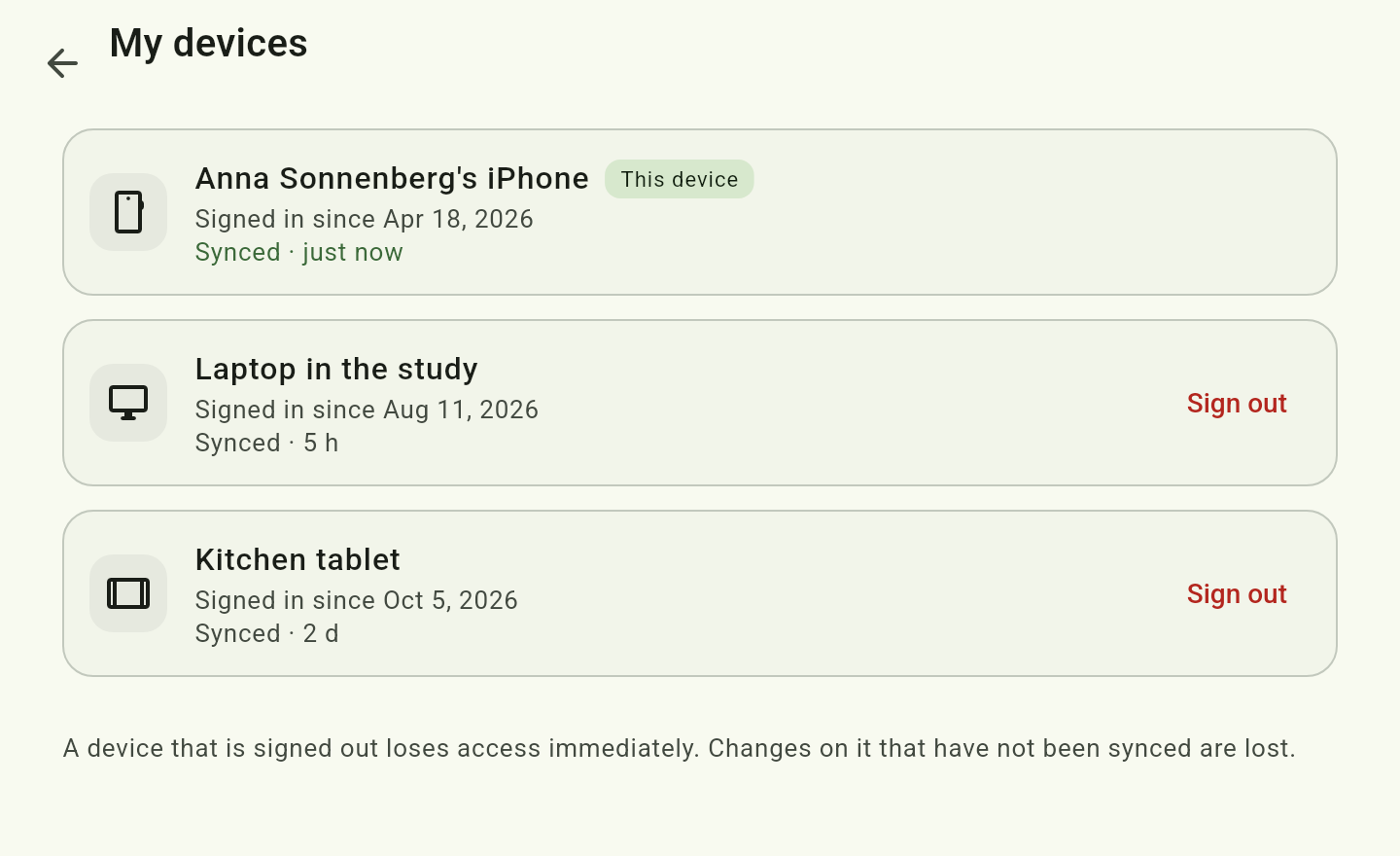
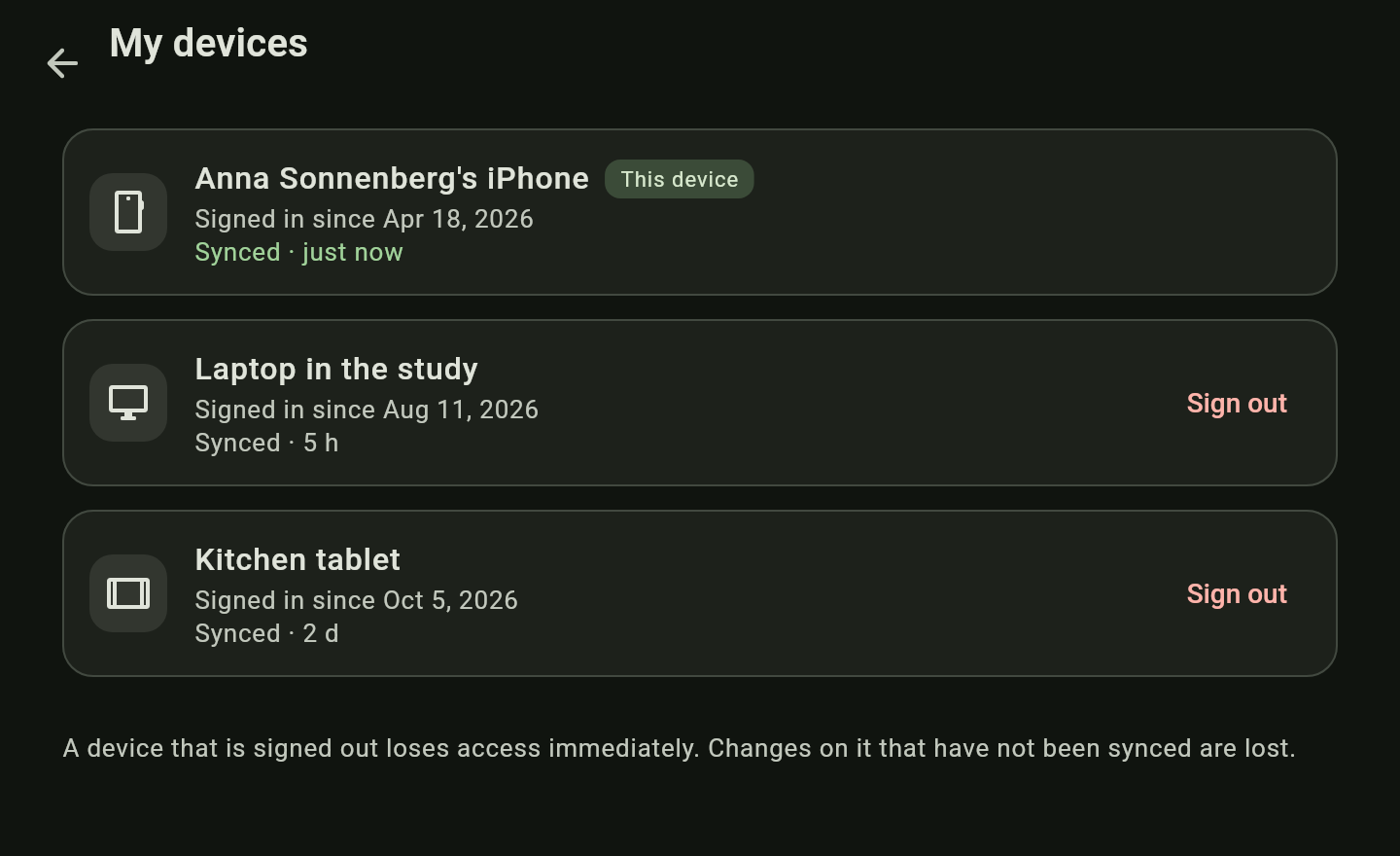
Every member sees their devices with their sync state and can sign one out remotely. A device that is signed out loses access at once.
How to
Archive and restore
- Archive a finished list or page with Archive list or Archive page at the bottom of its info bar. It stays readable, but is hidden from the regular views.
- Account → Archive holds everything archived; Restore brings it back.
- Deleted things wait under Account → Trash until their time is up, and Restore brings them back with their sharing.
A device is lost: sign it out remotely
- On another device open Account → My devices.
- Tap Sign out next to the lost one.
- It loses access at once and clears its data the next time it gets through. Whatever it had not synced yet is lost.
Good to know
- Backups go to a directory on the server’s machine; the server sends them nowhere. Copy that directory to another place regularly (→ Backups).
- A restore replaces everything; afterwards every device syncs anew.
- How far the history reaches back is a setting.
- Settings, backups and members are changed by the administrator only.