
Calendar
List, week and month, several calendars, series and ICS.
Three views
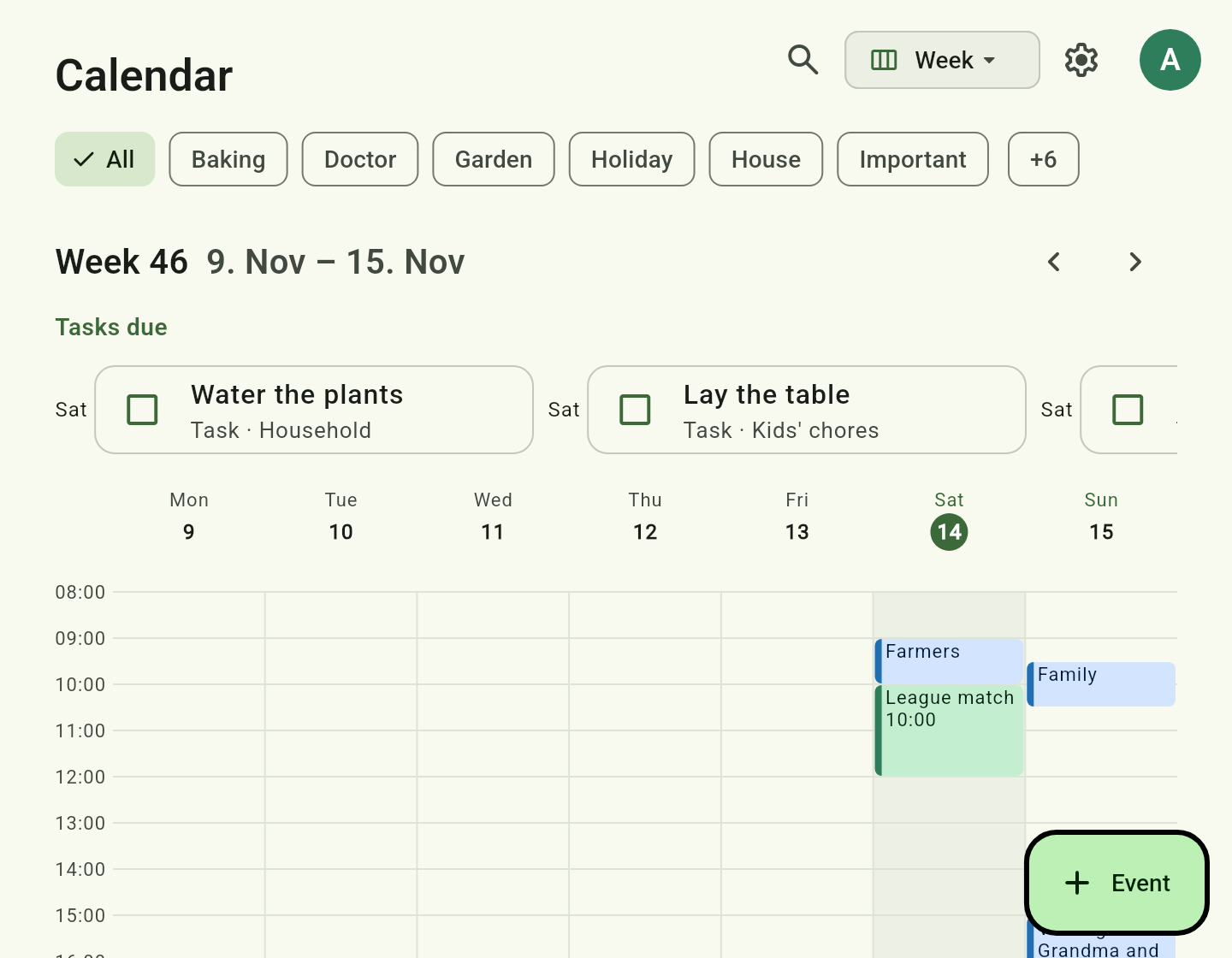
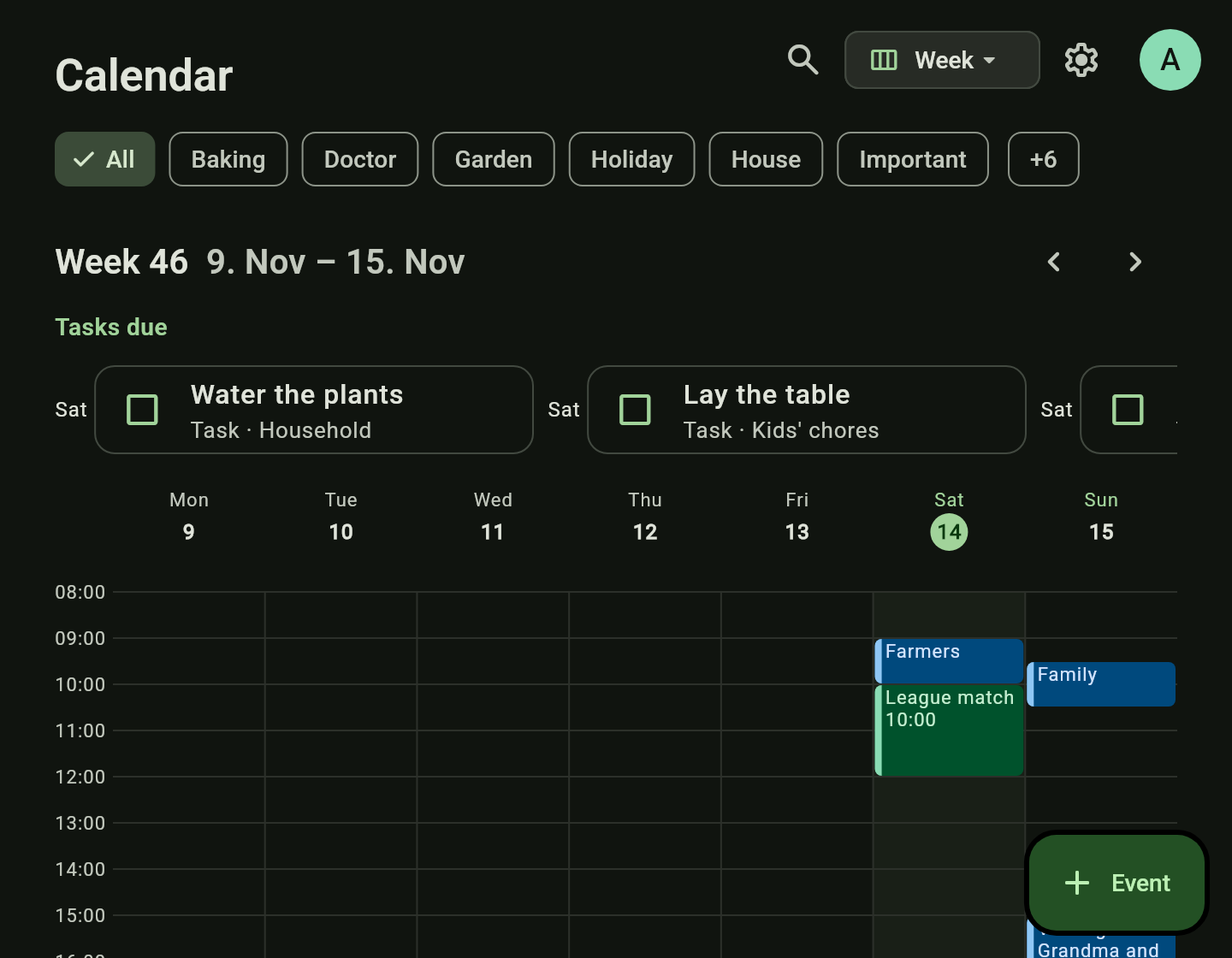
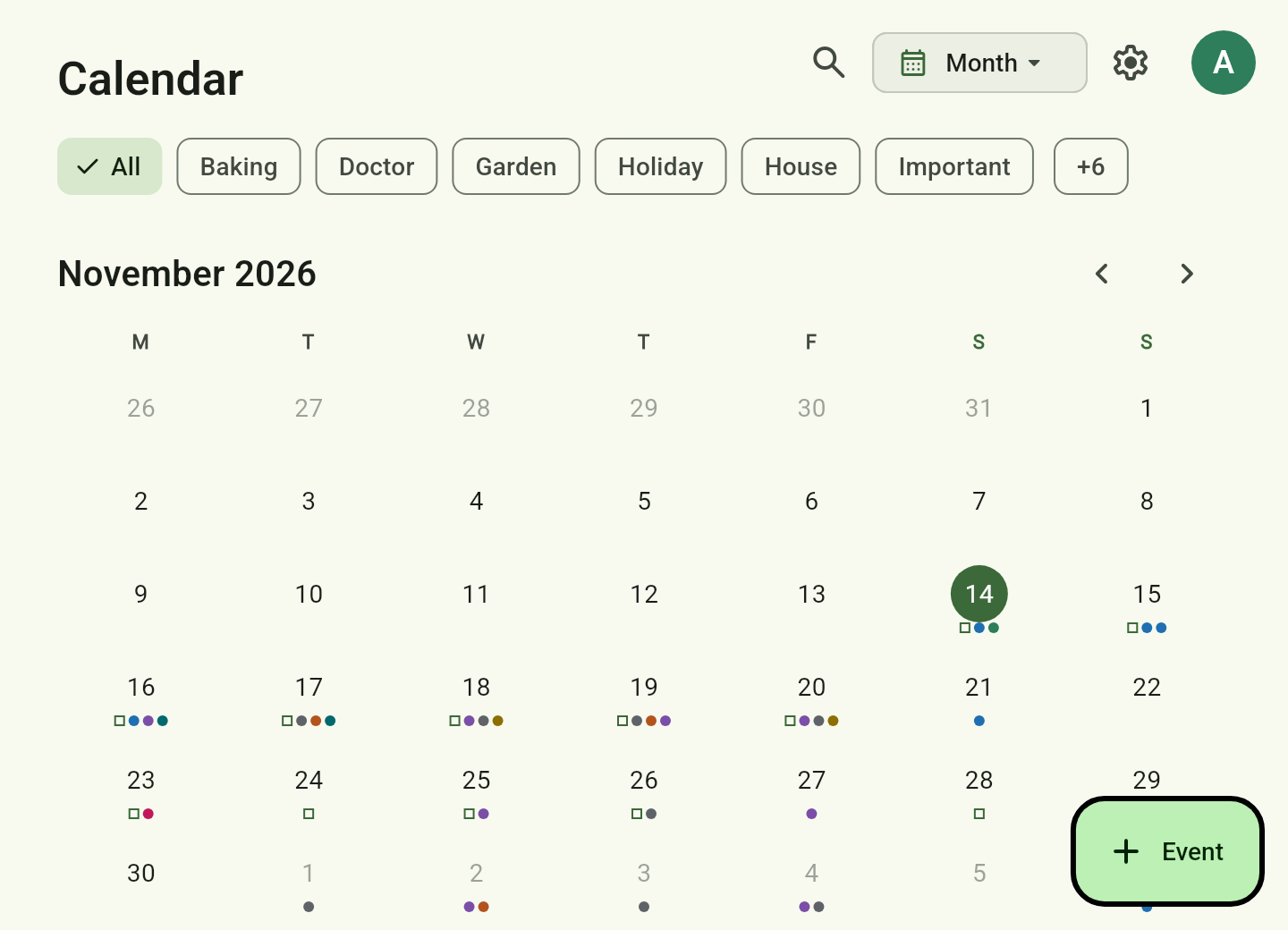
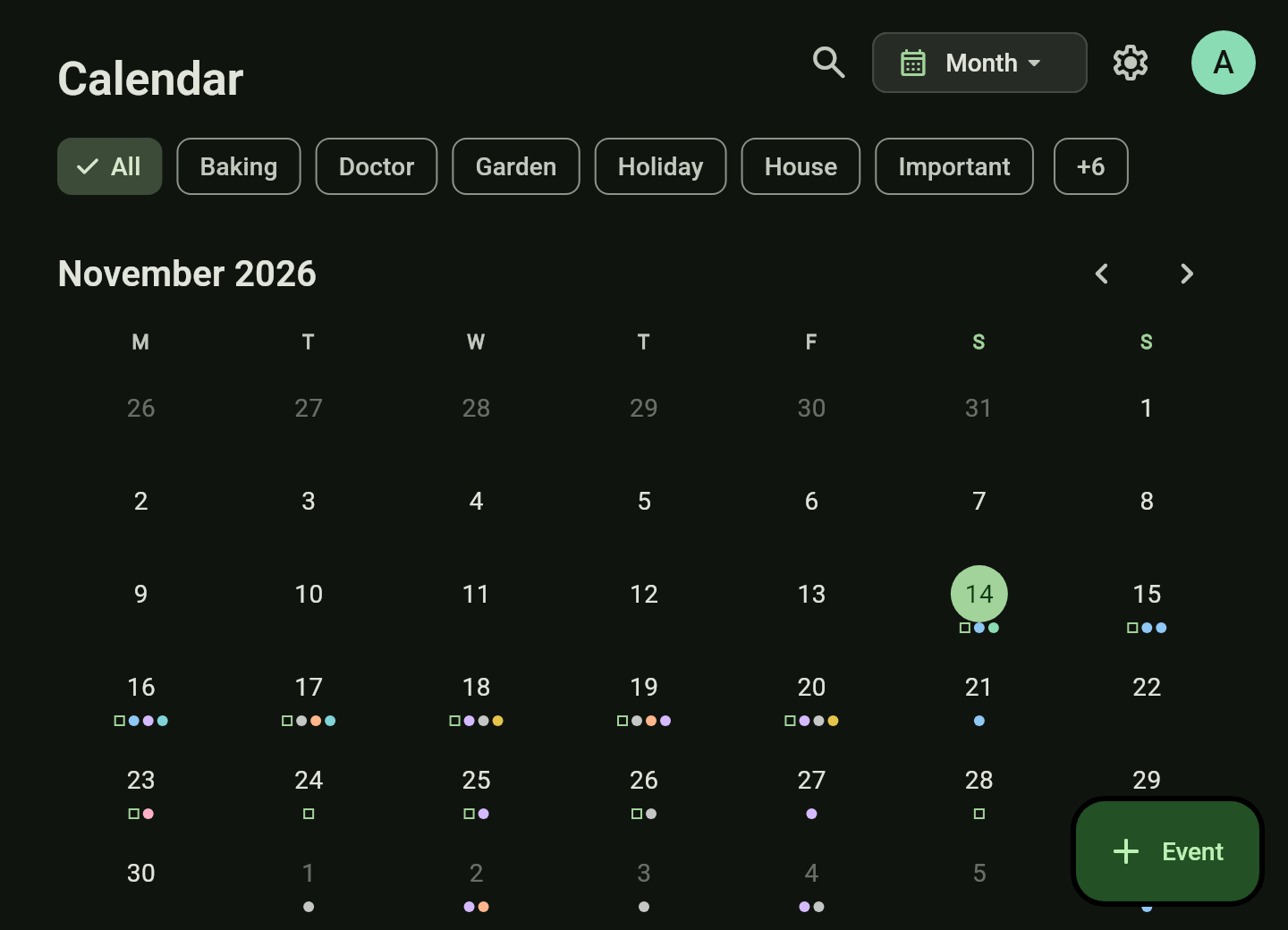
List, week and month. The week shows only the hours that hold something; long empty stretches are skipped. That way the whole week fits on one screen.
Planning in the week
Tap a free hour to create an event there. Drag it to another time or day; dragged onto the band above the hours it becomes all-day. For a series the app asks whether you mean only this event, this and all following, or the whole series.
Several calendars
One per person or topic, each with its own colour, its own sharing and, if you like, a default reminder. Tasks with a due date show on their day.
Series and holidays
Repeats from “every two weeks” to “the last Friday of the month”. School holidays are shown once as a band above the list instead of on every single day.
Import and export
Subscribe to ICS calendars such as school holidays or waste collection, import an .ics file once, or share your own calendars as an ICS address, for example for grandma’s phone.
How to
Plan the week: create and move events
- Open the calendar and choose Week in the view menu at the top.
- Tap a free hour: a 30-minute event appears there. Give it a title and save.
- Press and hold an event and drag it to another time or day. The outline shows where it lands.
- Drag it onto the band above the hours and it becomes all-day.
On a desktop you drag with the mouse directly. Hovering over an event opens it into a card with all its details.
Subscribe to school holidays and waste collection
You need: a server — it fetches subscribed calendars regularly, even when no device is online.
- Open the calendar and tap the gear (Manage calendars).
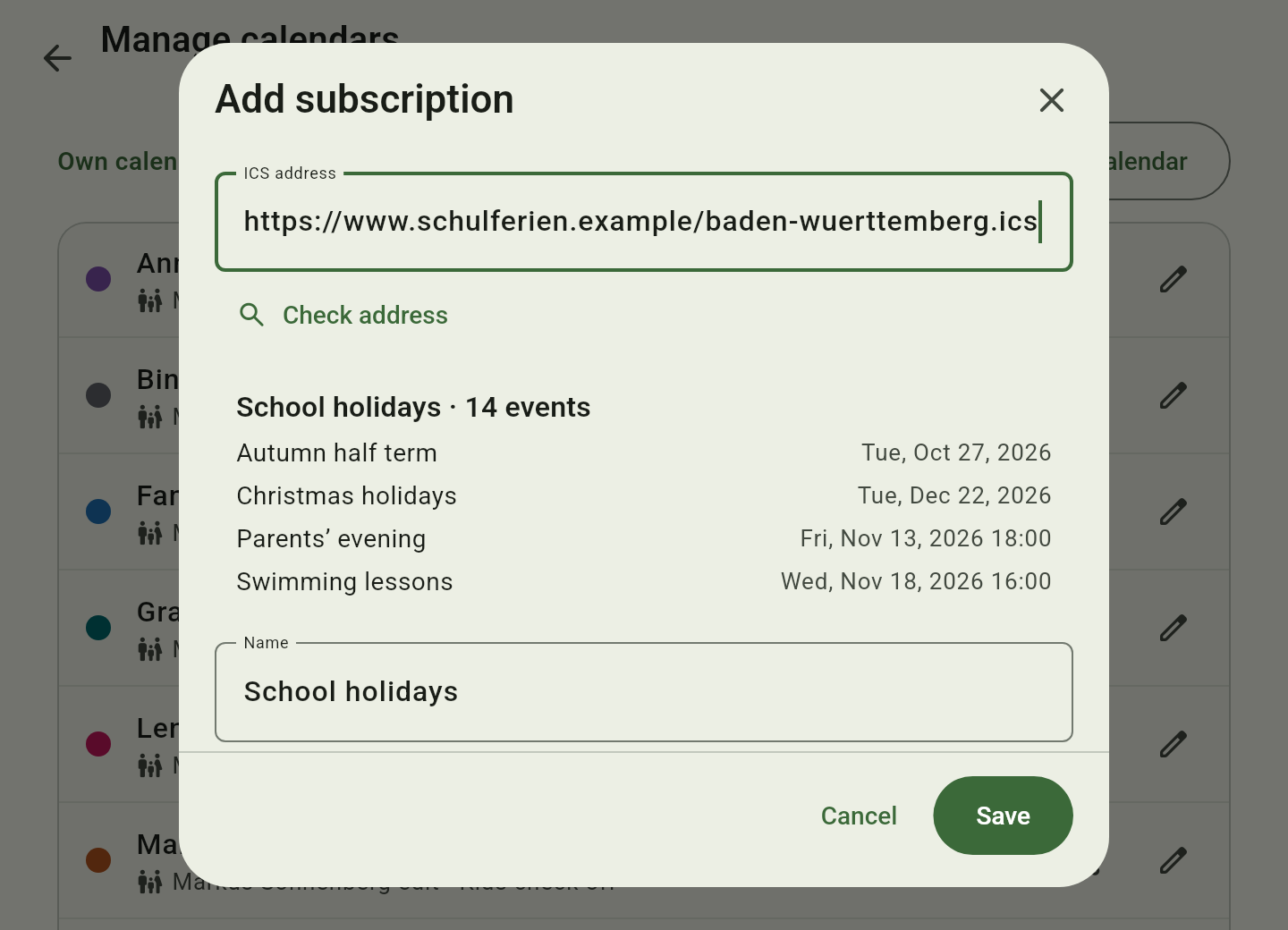
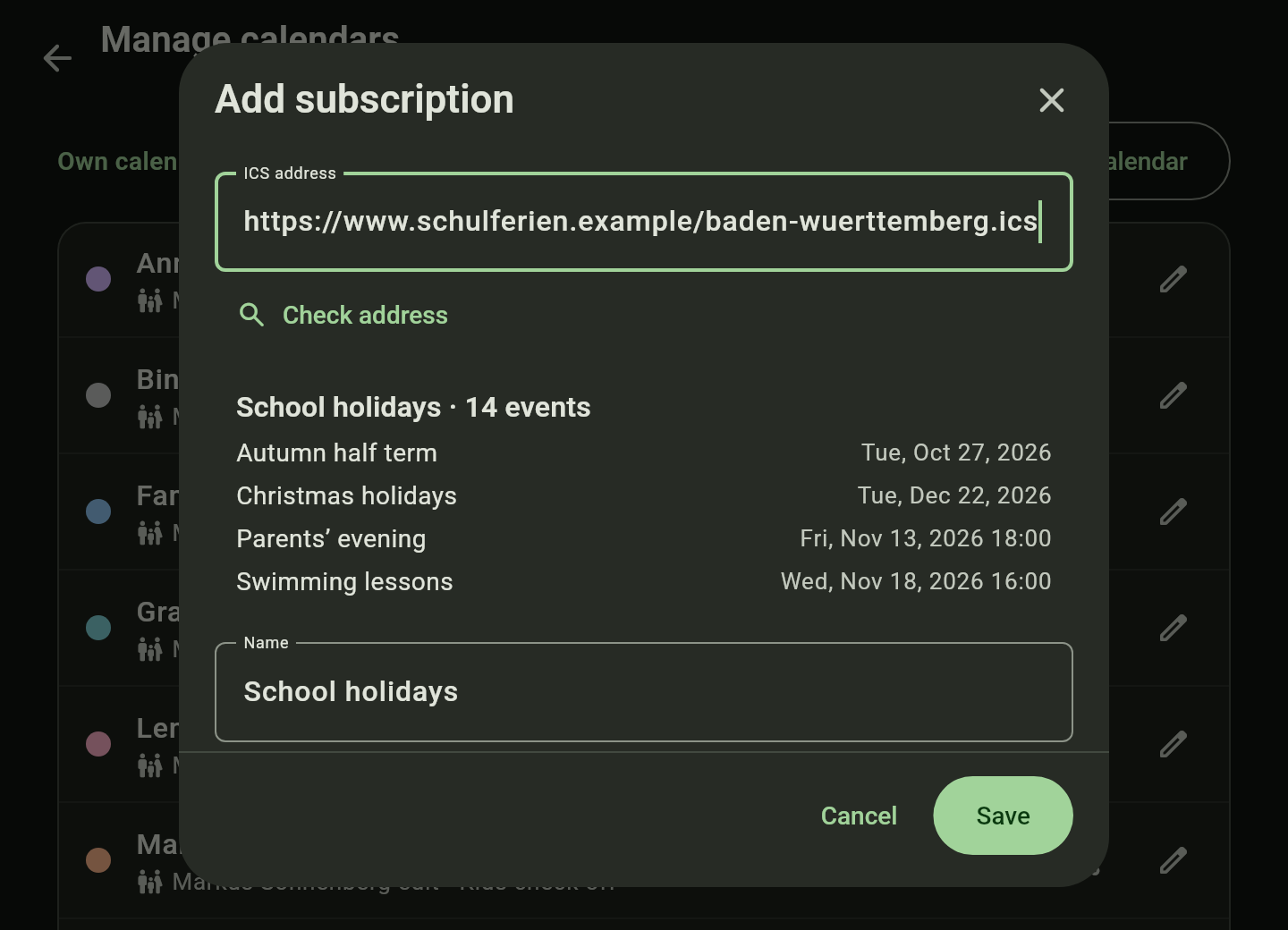
- Under Subscribed calendars (ICS) tap Add subscription.
- Paste the ICS address your school or council offers. The preview shows its name and the next events.
- Choose colour, update interval and who should see it, then save.
Give grandma the family calendar
Grandma needs no account: she subscribes to an address in her own calendar.
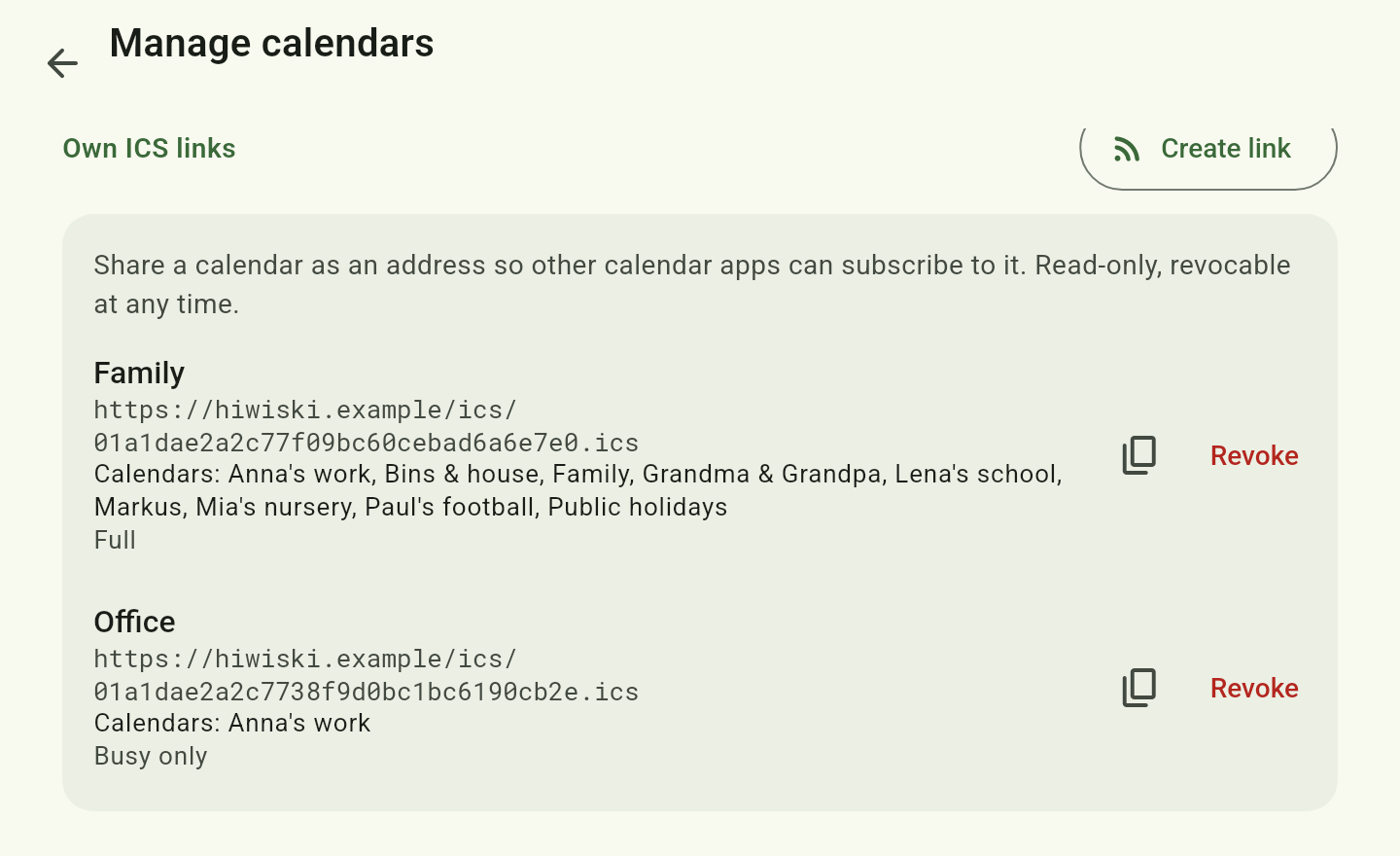
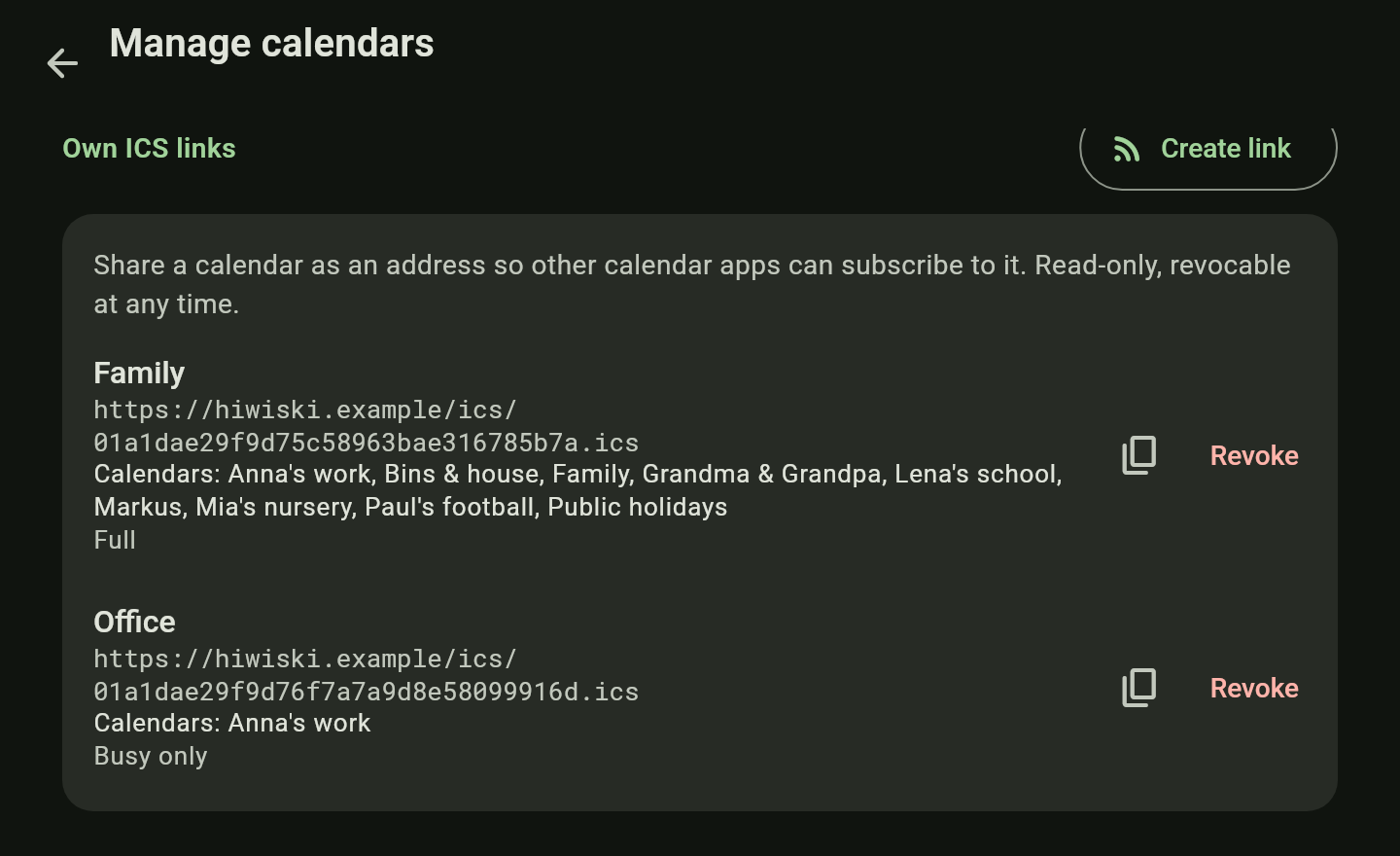
- Open Manage calendars and under Own ICS links tap Create link.
- Choose the calendars it holds, and whether grandma sees everything or Busy only.
- Copy the address and set it up on grandma’s phone as a calendar subscription.
- You can revoke the link at any time.
Note: grandma’s phone has to be able to reach the server for this.
Good to know
- Reminders are local notifications of the apps; the browser has none.
- Subscribed calendars are read-only.
- Subscriptions, imports and ICS links need a server.