
Connecting the apps
The address
The server address in the app is http://<address>:<HIWISKI_HTTP_PORT>. If the port is 80 it can be left out.
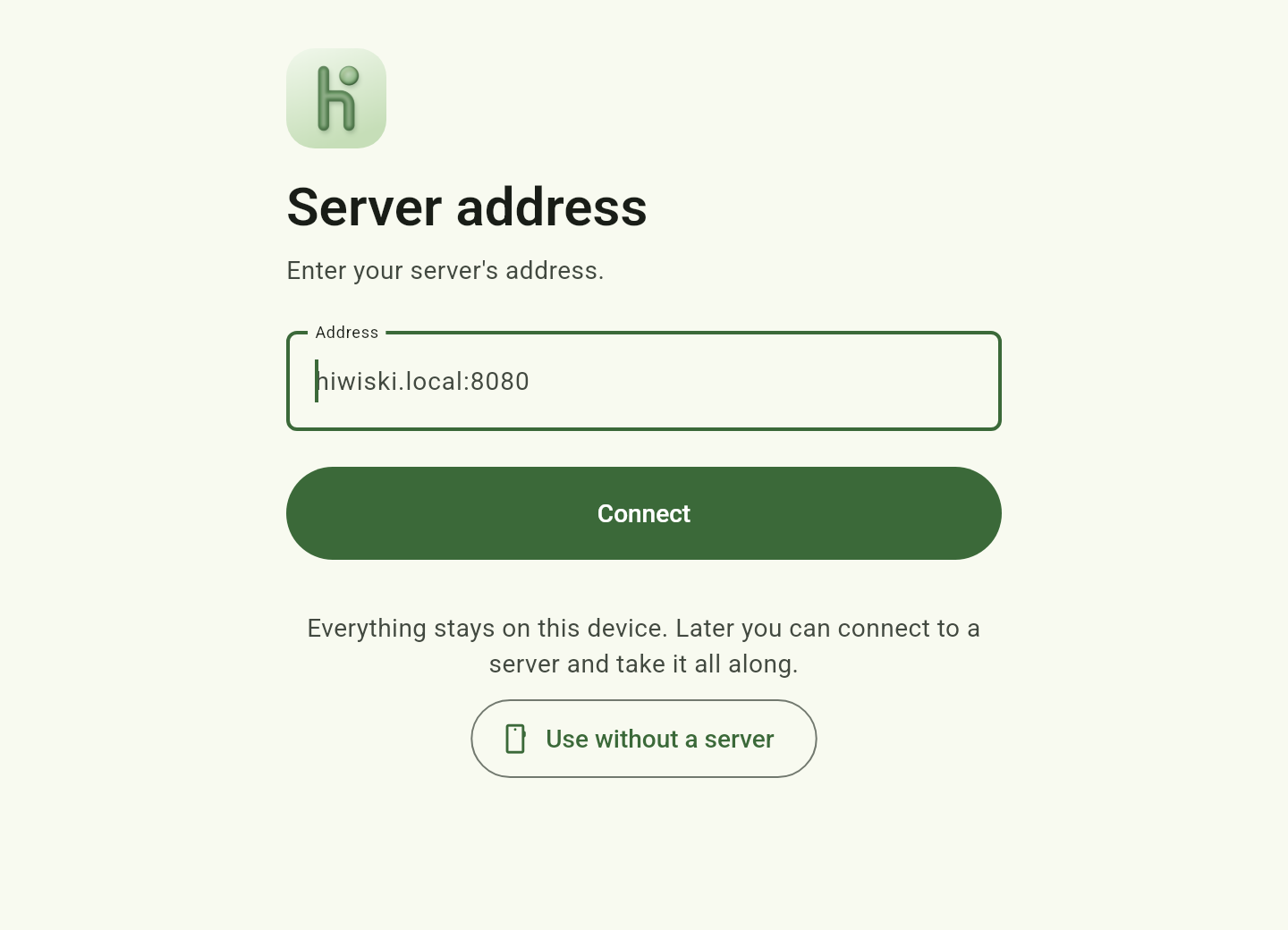
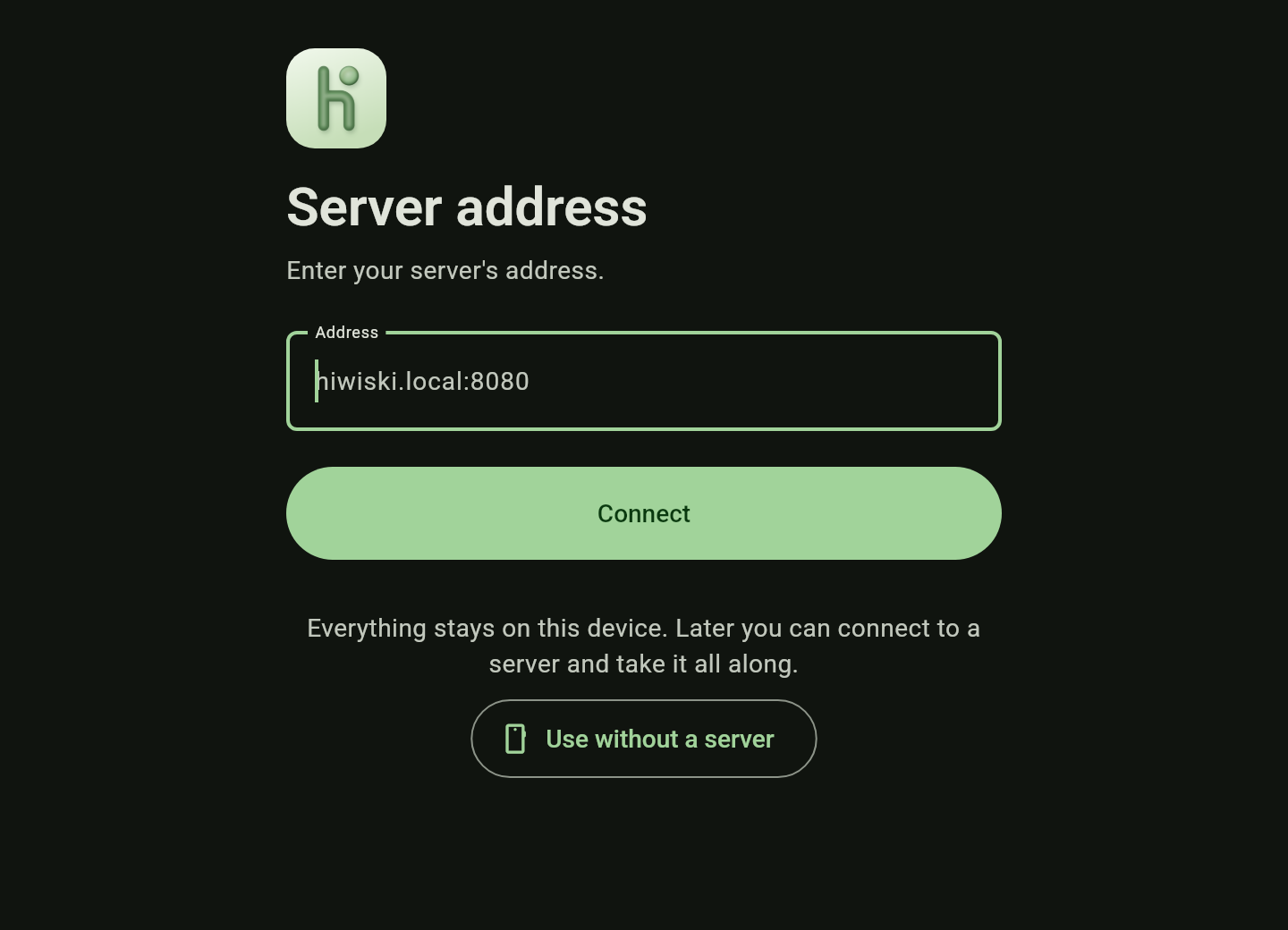
- Use the IP address, or a name your router resolves. Android often cannot resolve
.localnames. - iOS asks for local network access. Without “Allow” the app cannot reach the server; access can be allowed later under Settings → Hiwiski → Local Network.
- On the home network the connection is unencrypted by default. The app and the sign-in point this out. The options for TLS are under Encryption on the home network.
Sign in and invite the family
- Sign in to the app with the administrator’s account from the wizard.
- Invite the family: Account → Family → New member creates an invitation with a code and a QR code. The individual steps are under Family & sharing.
- Whoever has used the app without a server already connects it under Account → Connect to a server. The data on the device is kept.